summary attribute. A run’s summary attribute can handle NumPy arrays, PyTorch tensors or TensorFlow tensors. W&B persists NumPy arrays, PyTorch tensors, and TensorFlow tensors in a binary file.
The last value logged with wandb.Run.log() is automatically set as the run’s summary dictionary. If a summary metric dictionary is modified, the previous value is lost.
Log a summary metric during an active run or after a run has completed.
- During a run
- After a run
The following code snippet demonstrates how to provide a custom summary metric to W&B:
Customize summary metrics
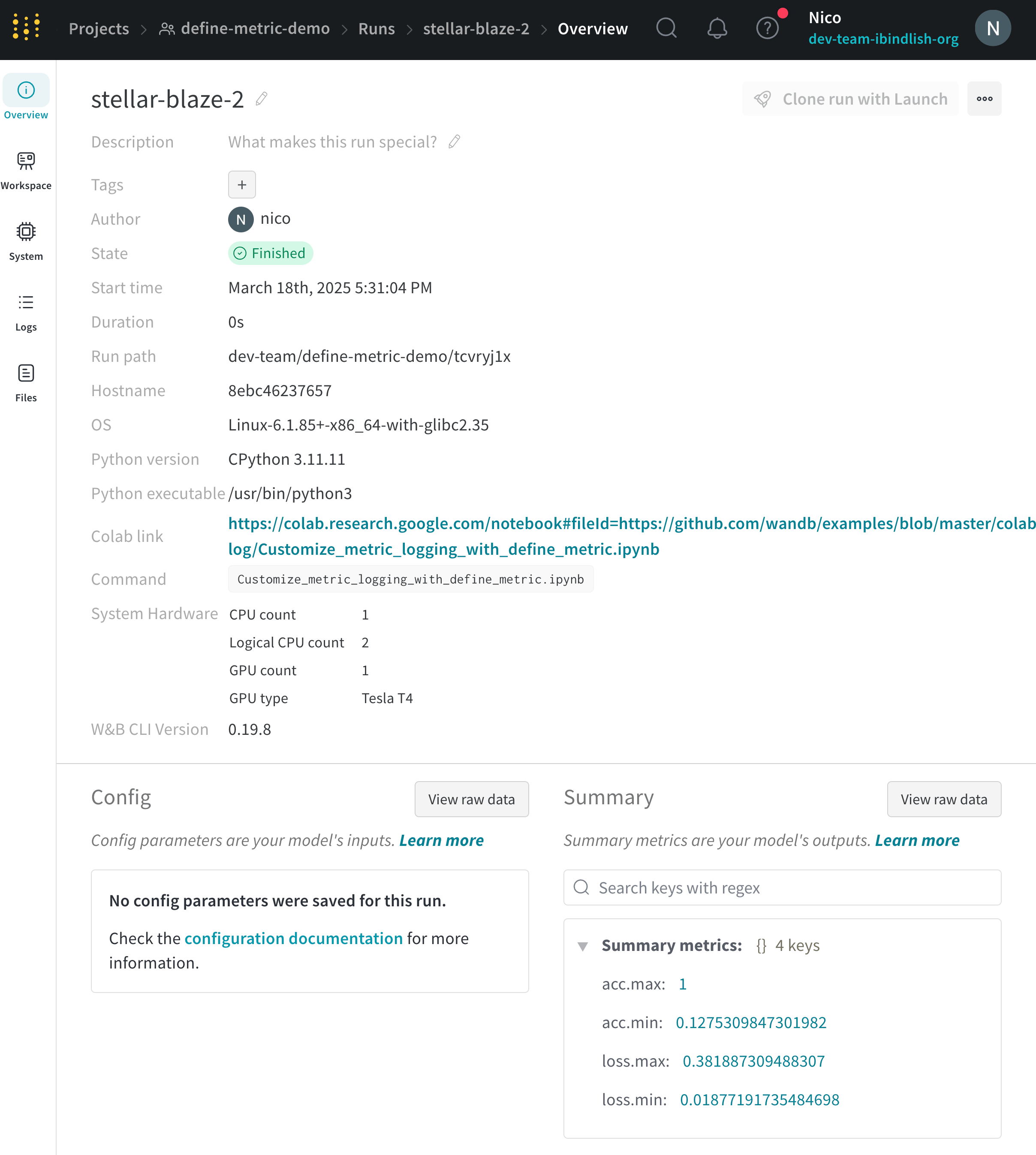
Custom summary metrics are useful for capturing model performance at the best step of training in yourrun.summary. For example, you might want to capture the maximum accuracy or the minimum loss value, instead of the final value.
By default, the summary uses the final value from history. To customize summary metrics, pass the summary argument in define_metric. It accepts the following values:
"min""max""mean""best""last""none"
"best" only when you also set the optional objective argument to "minimize" or "maximize".
The following example adds the min and max values of loss and accuracy to the summary:
View summary metrics
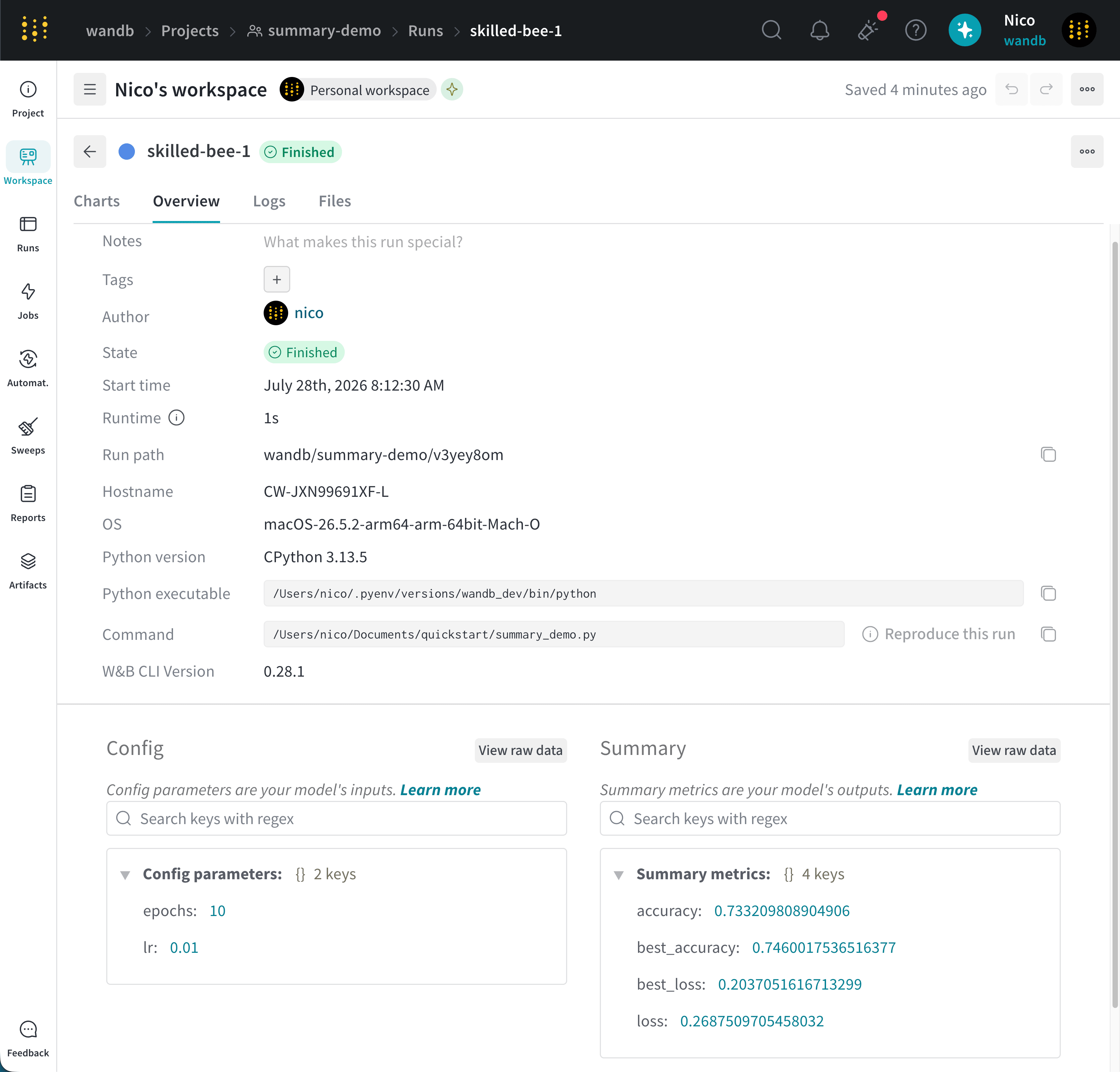
Access a run’s summary in the W&B App, during an active run, from an existing run, or from the local file system.- Run Overview
- Run Table
- During a run
- Existing runs
- Local filesystem
- Navigate to the W&B App.
- Select the Workspace tab from the project sidebar.
- Click the run that logged the summary values. The run page opens with the Overview tab shown by default.
- View the summary values in the Summary section.